
The North Bayou F80 and its equivalent versions — EZ90, EMA7304 and Warrior WA-MH0801 — are an ergonomic way to make better use of your desk, supporting 17 to 32-inch monitors with flexible gas-spring adjustment.

Specifications
1Design and build quality
The North Bayou F80 is made from sturdy metal with a modern design that suits both an office and a gaming corner. Built-in cable management keeps your desk tidier and more professional.
2Flexible adjustment
The F80's biggest strength is its gas-spring mechanism, which lets you raise and lower the monitor effortlessly. You can change the height, tilt, swivel or rotate to portrait in just a few seconds.
3Ergonomic benefits
Placing the monitor at eye level reduces strain on your neck, shoulders and back during long working sessions. It is a worthwhile upgrade for anyone who spends many hours a day at a computer.
4Compatibility
The arm supports most 17 to 32-inch monitors with common VESA mounts. However, you should check your monitor's actual weight before buying.
5Should you buy the North Bayou F80?
If you want to make better use of your workspace, improve your posture and upgrade to a more professional setup, the North Bayou F80 is one of the most worthwhile accessories you can buy today.
✓Pros
- Improves posture and reduces neck and shoulder strain.
- Frees up a lot of desk space.
- Flexible adjustment with a gas-spring mechanism.
- Supports portrait rotation for coding and reading documents.
- Compatible with most 17 to 32-inch monitors.
- Cable routing keeps your workspace tidier.
- Sturdy, durable metal frame.
✕Cons
- You need to check your monitor's weight before installing.
- First-time users may need some time to get used to installation.
- Not suitable for some very thin or very thick desks.
- Costs more than a standard monitor stand.
Frequently Asked Questions
What monitor sizes does the North Bayou F80 support?
It supports most 17 to 32-inch monitors that use VESA 75x75mm or 100x100mm mounts.
Can I rotate the monitor to portrait?
Yes. The arm supports 90-degree rotation, which is great for programmers, designers and anyone reading documents.
Is it hard to install?
Installation is fairly simple if you follow the instructions, though first-timers may need around 15-30 minutes.
Verdict
One of the most popular and worthwhile monitor arms today thanks to flexible adjustment, solid durability and a reasonable price.
Highly recommended for office workers, programmers and gamers.Compare Products
How it stacks up against other Workspace we have reviewed, scored on the same criteria.
| Product | Score | Design | Performance | Durability & warranty | Value | |
|---|---|---|---|---|---|---|
North Bayou F80: Upgrade Your Workspace with a Budget Monitor ArmThis product | 9.1 | 9.2 | 9.5 | 8.8 | 9 | |
| 8.1 | 8 | 7.8 | 7.5 | 9 | ||
| 8.3 | 8.8 | 8 | 7.8 | 8.6 |
Related Buying Guides
Comments
More in Workspace
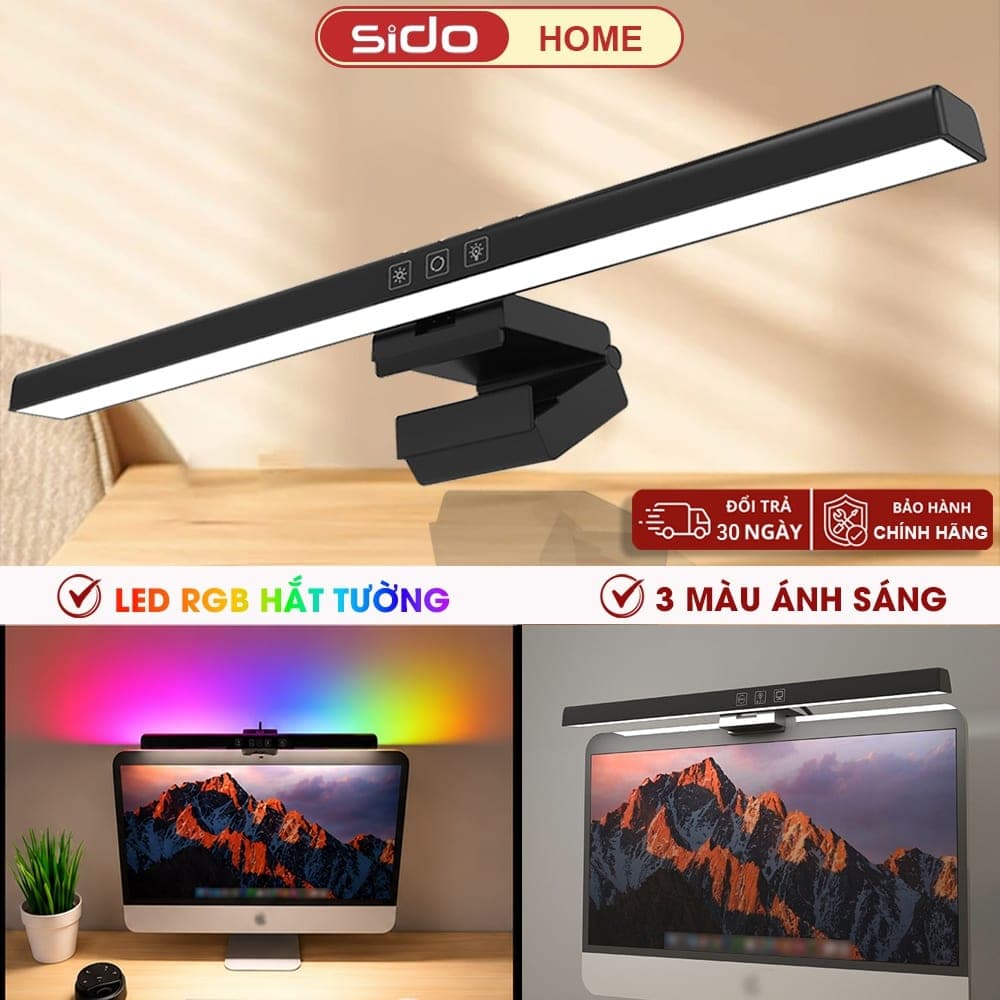
Sidohome SG301: An RGB Monitor Light Under 300K VND for Your Setup
The Sidohome SG301 is a budget monitor light bar with anti-glare lighting, 3 color temperatures, stepless dimming, an auto-off timer and a version with an RGB backlight that washes the wall behind your monitor. At around 230–280K VND, what does it do well and what should you watch out for?
Desk Pegboard: A Simple Way to Keep Your Workspace Tidy
A desk-clamp pegboard is the quickest way to use the empty space behind your monitor: hang headphones, hold pens and display plants without drilling into the wall. Is this best-selling decor pegboard worth adding to your setup?