
How to Choose a 27-Inch Monitor for Programming: Resolution, Panel Type and What You Need to Know
27 inches is the most popular monitor size for developers. This guide explains why resolution matters more than refresh rate, which panel type to choose and which features make coding all day easier on your eyes.
1Why so many developers choose 27 inches
At a viewing distance of 60–80 cm, a 27-inch monitor is wide enough to put your code editor next to a browser or terminal without turning your head much. A 24-inch screen is more compact but feels cramped when split in half, while a 32-inch screen usually needs a deeper desk and a longer viewing distance.
If your desk is less than 60 cm deep, consider a monitor arm to push the screen back to the rear edge and keep a comfortable viewing distance.
2Resolution: QHD is the best balance
For programming, sharp text matters more than any other spec. Pixel density (PPI) determines whether text looks jagged. A 27-inch Full HD (1920×1080) monitor is only about 82 PPI, so small text looks slightly fuzzy up close. A 27-inch QHD (2560×1440) monitor reaches about 109 PPI, with much clearer text and more lines of code on screen.
A 27-inch 4K (3840×2160) monitor is about 163 PPI and gives the smoothest text, but you usually need 150% scaling so text is not too small, and it costs more. If your budget is tight and you still want 27-inch Full HD, accept less crisp text or consider a 24-inch Full HD monitor (about 92 PPI).
3IPS, VA or TN panels
IPS panels have wide viewing angles and consistent color, which suits coding alongside reading docs or designing interfaces. They are the safest choice for work.
VA panels offer high contrast and deep blacks, great if you like dark themes, but their viewing angles are narrower than IPS. TN panels are cheap and fast but have poor color and viewing angles, making them less suitable for long working sessions.
4Refresh rate: do you need 120Hz or 144Hz to code?
Not necessarily. A 60–75Hz monitor is still fine for coding. A high refresh rate (100–144Hz and up) makes scrolling and mouse movement smoother and more pleasant over long sessions, but it does not make text any sharper.
If you have to choose between a 27-inch Full HD 144Hz and a 27-inch QHD 75Hz monitor at the same price, people who code a lot are usually happier with QHD.
5Features that make long sessions less tiring
A height-adjustable stand lets you place the top edge of the screen at or slightly below eye level. If the included stand only tilts, check that the monitor has VESA holes (75×75 or 100×100 mm) so you can fit an arm.
An anti-glare (matte) surface, flicker-free backlight and a low blue light mode all reduce eye strain. If you use a laptop, a USB-C port with Power Delivery lets one cable carry both video and charging.
6Summary
Prioritise in this order: text sharpness (QHD or higher if possible), an IPS panel, a stand or VESA mount for good posture, anti-glare and flicker-free, and only then refresh rate.
See the monitor reviews below for specific models on sale in Vietnam.
Frequently Asked Questions
Can I code on a 27-inch Full HD monitor?
Yes, but text will be less sharp than on a QHD monitor because of the low pixel density (about 82 PPI). If fuzzy text bothers you, choose a 27-inch QHD or a 24-inch Full HD monitor.
Should I buy a curved monitor for programming?
Curved screens are mainly useful at ultrawide sizes (34 inches and up). At 27 inches, a flat screen is usually easier for reading code and aligning things.
Two 24-inch monitors or one 27-inch monitor?
Two 24-inch monitors give more total area and a clear window split, but there is a bezel in the middle and they take up more space. A single 27-inch QHD monitor is tidier and enough for most work.
Related Reviews
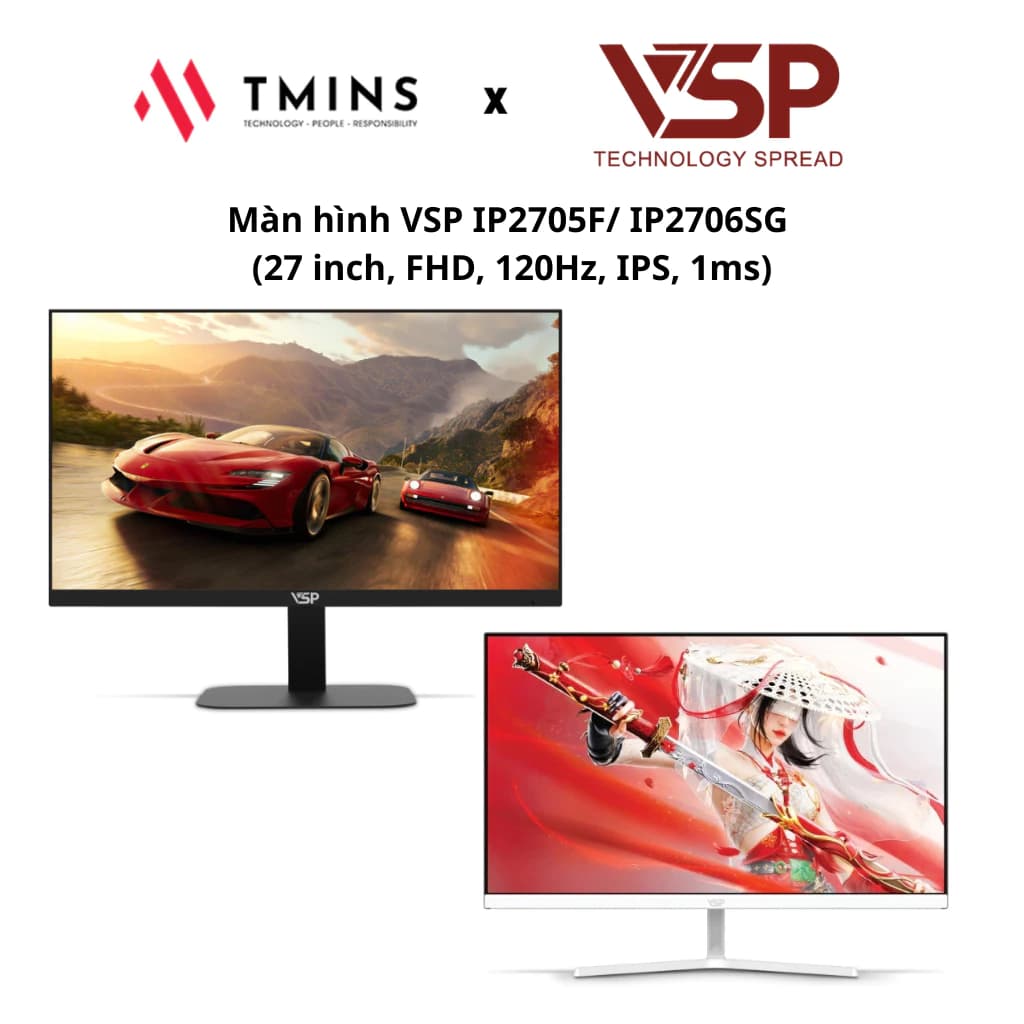
VSP IP2705F 27-Inch: A 120Hz Monitor for Work and Entertainment
The VSP IP2705F/IP2706SG offers a 27-inch IPS panel, a 120Hz refresh rate and a 1ms response time, making it a good fit for both gaming and everyday work.
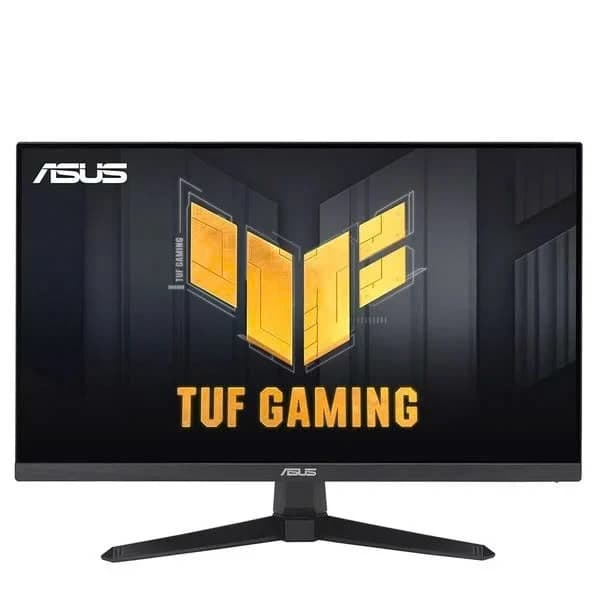
ASUS TUF VG249QE5A: A 146Hz Monitor for FPS Gamers
The Asus TUF Gaming VG249QE5A is a 24-inch gaming monitor with an IPS panel, a 146Hz refresh rate and 125% sRGB color coverage. It is an attractive choice for gamers who want speed and good image quality in the mainstream segment.
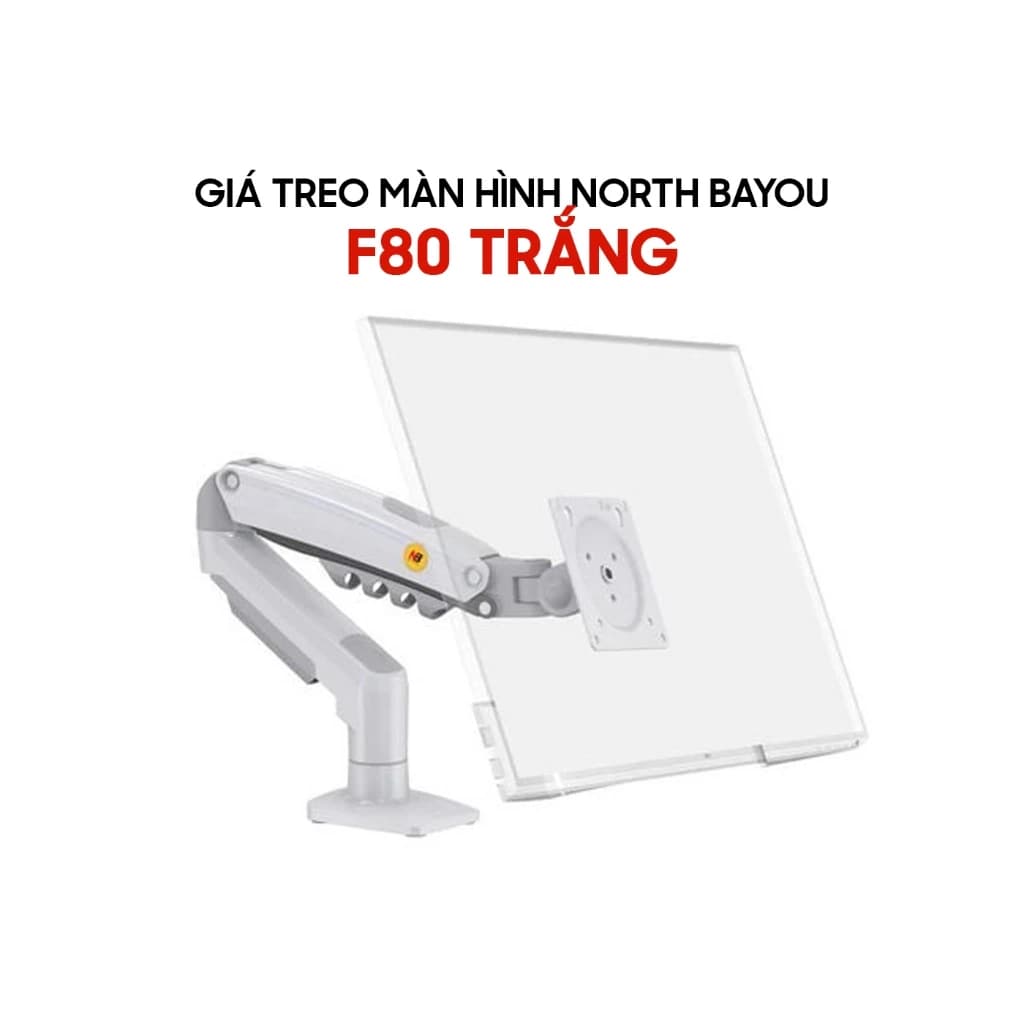
North Bayou F80: Upgrade Your Workspace with a Budget Monitor Arm
The North Bayou F80 and its equivalent versions — EZ90, EMA7304 and Warrior WA-MH0801 — are an ergonomic way to make better use of your desk, supporting 17 to 32-inch monitors with flexible gas-spring adjustment.