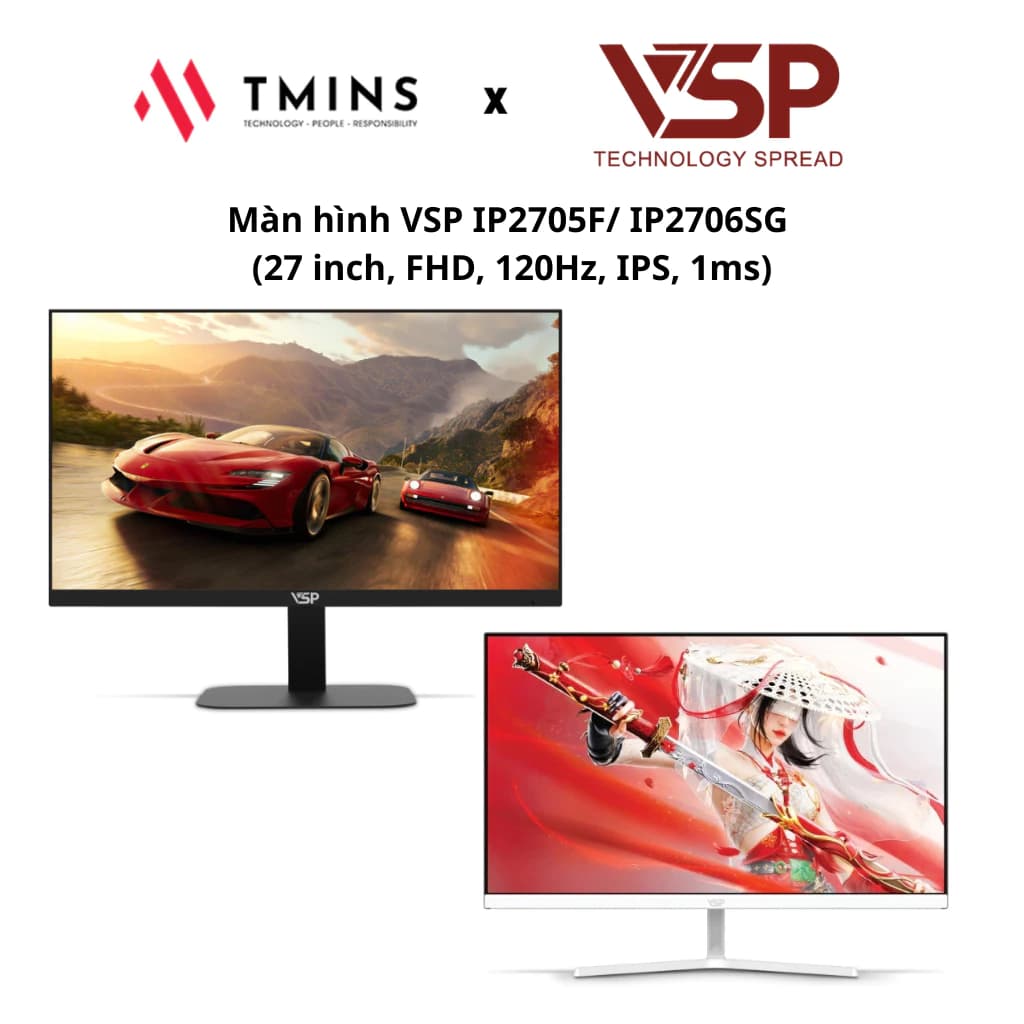
Should You Buy a Monitor Arm? How to Choose the Right One for Your Desk
A monitor arm helps you adjust your posture and frees up desk space. This guide explains how to check the VESA mount, weight capacity, mounting type and spring type before you buy.
1Benefits of a monitor arm
The stands that come with many mainstream monitors only tilt and cannot be raised or lowered. A monitor arm lets you adjust height, distance, tilt and portrait rotation, so you can put the screen at eye level and reduce neck strain.
An arm also frees up the space taken by the stand, which is especially useful on shallow desks or dual-monitor setups.
2Check your monitor's VESA mount
The back of the monitor needs 4 screw holes to the VESA standard, most commonly 75×75 mm or 100×100 mm. You will find this in the manufacturer's product specs.
Some slim or specially designed monitors have no VESA holes and need a dedicated adapter, or cannot be used with an arm at all.
3Screen size and weight capacity
Every monitor arm lists a supported screen size range (for example 17–32 inches) and a weight capacity (kg). Look up your monitor's weight without its stand and pick an arm whose capacity matches.
With gas-spring arms, a monitor that is too light for the range may spring up, while one that is too heavy will drift down. Curved and large monitors are often heavier than you think.
4Mounting type: desk clamp or grommet
A clamp mount grips the edge of the desk, is easy to install and needs no drilling. Check that your desktop thickness is within the supported range and the edge is sturdy enough — thin particleboard or glass desks may not be suitable.
A grommet mount goes through a hole in the desk, is sturdier and can be placed in the middle of the desk.
5Gas spring or fixed arm
A gas-spring arm lets you raise and lower the monitor with one hand, which is handy if you often change position or use a standing desk. You need to set the spring tension to match your monitor's weight during installation.
Fixed arms are cheaper, adjusted with screws and stay in place — enough if you only set them up once.
Frequently Asked Questions
Can a monitor arm damage my desk?
Clamp mounts can leave marks if overtightened or on soft desktops. Use a protective pad and make sure your desk is sturdy enough.
What if my monitor has no VESA holes?
Some manufacturers sell a dedicated VESA adapter for specific models. If there is none, that monitor cannot be used with a standard arm.
Can I use a monitor arm with a laptop?
You will need a laptop tray that attaches to the VESA mount. Many arms include one or offer a compatible tray.
Related Reviews
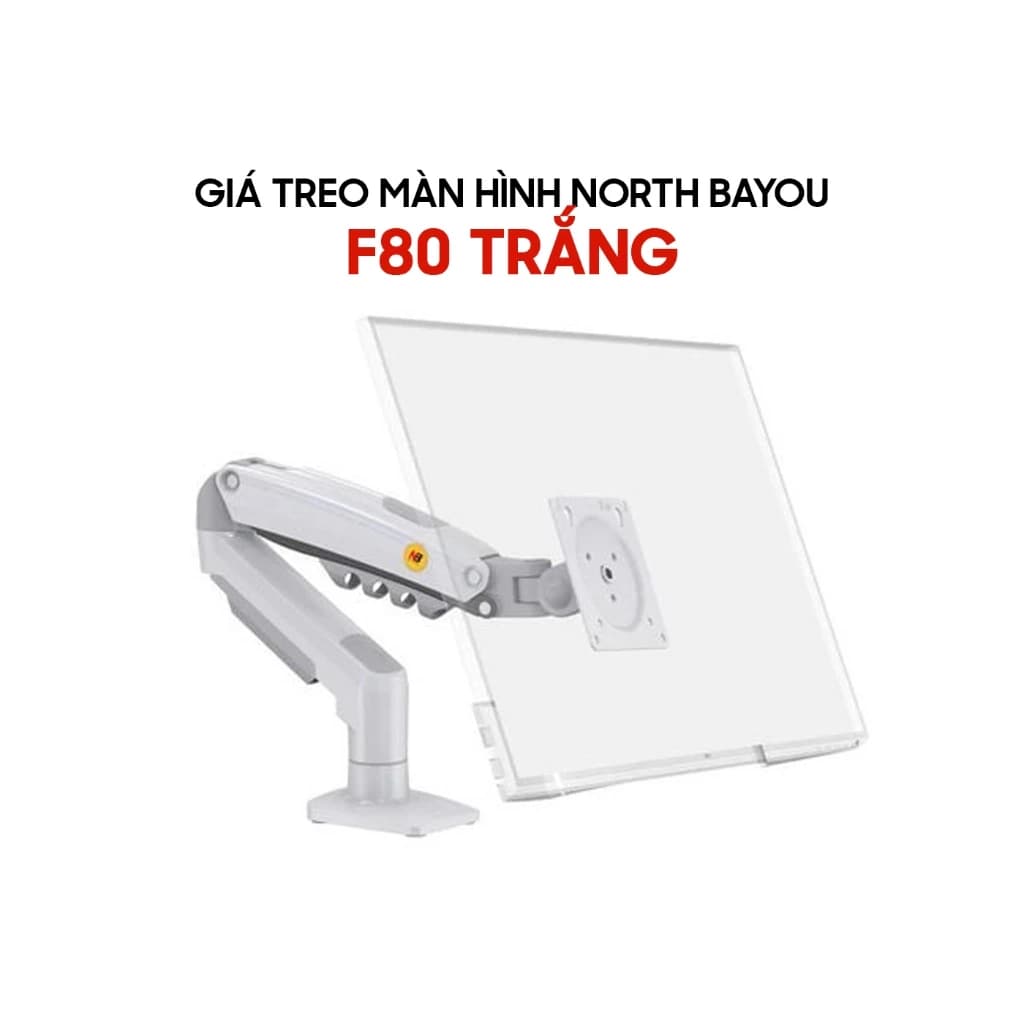
North Bayou F80: Upgrade Your Workspace with a Budget Monitor Arm
The North Bayou F80 and its equivalent versions — EZ90, EMA7304 and Warrior WA-MH0801 — are an ergonomic way to make better use of your desk, supporting 17 to 32-inch monitors with flexible gas-spring adjustment.