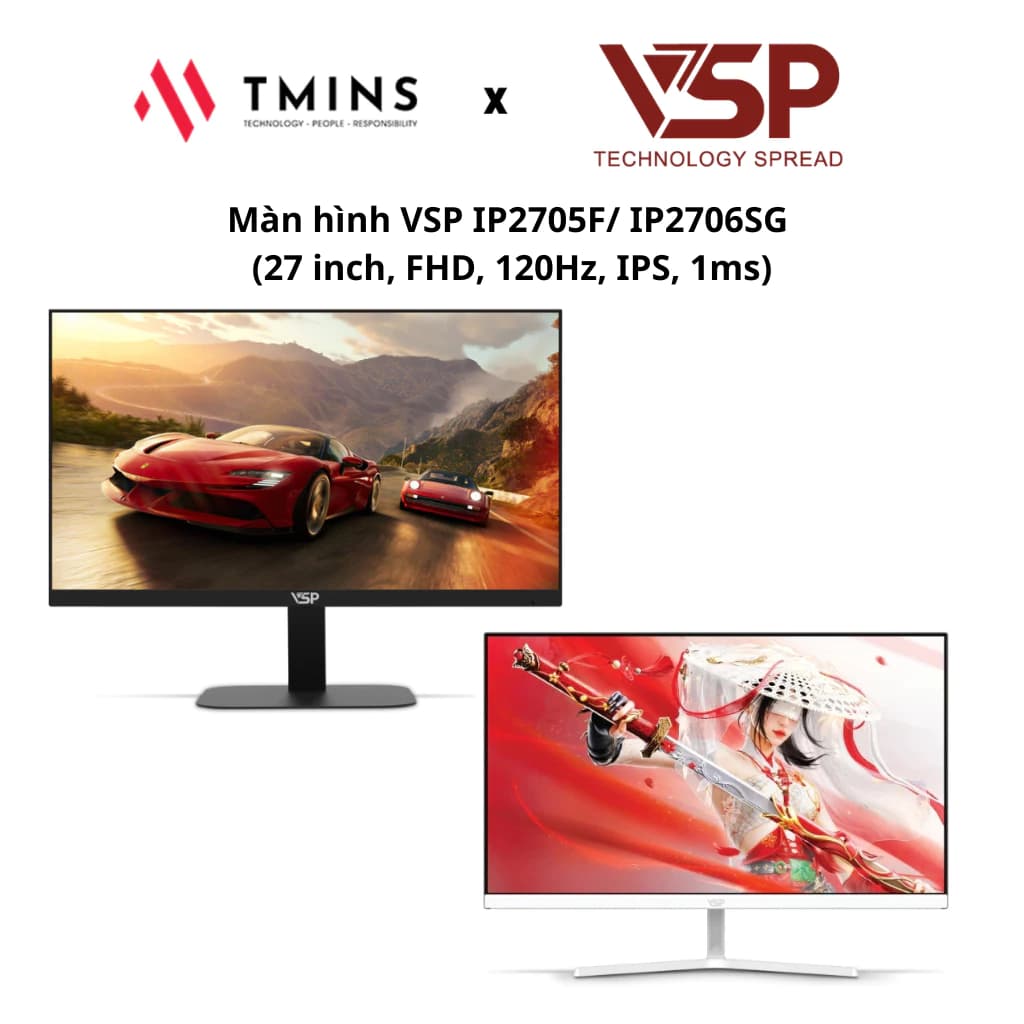
Choosing a Mainstream 24-Inch Gaming Monitor: Refresh Rate, Response Time and Ports
24-inch Full HD is still the size eSports players prefer. This guide explains what 144Hz, 180Hz and 1ms really mean and what to check before you buy.
1Why gamers still choose 24-inch Full HD
At 24 inches, the whole frame fits within your field of view without much eye movement — an advantage in shooters and MOBAs. Full HD (1920×1080) is also light on the graphics card, making high frame rates easier to reach.
If you play RPGs or open-world games and care more about visuals than speed, a 27-inch QHD monitor may suit you better.
2Refresh rate: how 144Hz, 165Hz and 180Hz differ
Refresh rate is how many times per second the monitor redraws the image. Going from 60Hz to 144Hz is a very noticeable jump: motion is smoother and easier to track. Going from 144Hz to 165Hz or 180Hz is a smaller difference that mostly eSports players will notice.
What matters is that your PC can reach the matching frame rate (FPS). A 180Hz monitor does not help much if your game only runs at 70–80 FPS.
31ms response time: reading the spec correctly
The "1ms" on the box is usually MPRT or measured at the highest overdrive setting, and does not always reflect real-world experience. At overly aggressive overdrive, some monitors show inverse ghosting (overshoot).
When reading reviews, pay attention to comments about blur during fast motion rather than just the number on the spec sheet.
4Panel type and adaptive sync
Most mainstream gaming monitors today use IPS panels (good color, wide viewing angles) or VA panels (high contrast). Both are fine for gaming; IPS is usually preferred if you both game and work on it.
Adaptive Sync (FreeSync or G-Sync Compatible) reduces screen tearing when FPS fluctuates. It is almost a standard feature, so check for it before you buy.
5Ports and cables
To run a high refresh rate you need the right port and cable: DisplayPort, or an HDMI version that supports that refresh rate. Some monitors only reach their maximum refresh rate over DisplayPort, so read the manufacturer's specs carefully.
After plugging in, remember to select the correct refresh rate in your operating system's display settings — many PCs default to 60Hz.
Frequently Asked Questions
Does a 144Hz monitor need a powerful graphics card?
It needs to be powerful enough for your games to reach close to 144 FPS at Full HD to get the full benefit. For light eSports titles, a mid-range card is usually enough.
Can a laptop output 144Hz to an external monitor?
It depends on the laptop's ports. You need an HDMI or USB-C/DisplayPort port that supports that refresh rate; check the laptop's specs first.
Can a gaming monitor be used for office work?
Yes. A 24-inch Full HD IPS monitor works well for office tasks, and the high refresh rate makes scrolling smoother too.
Related Reviews
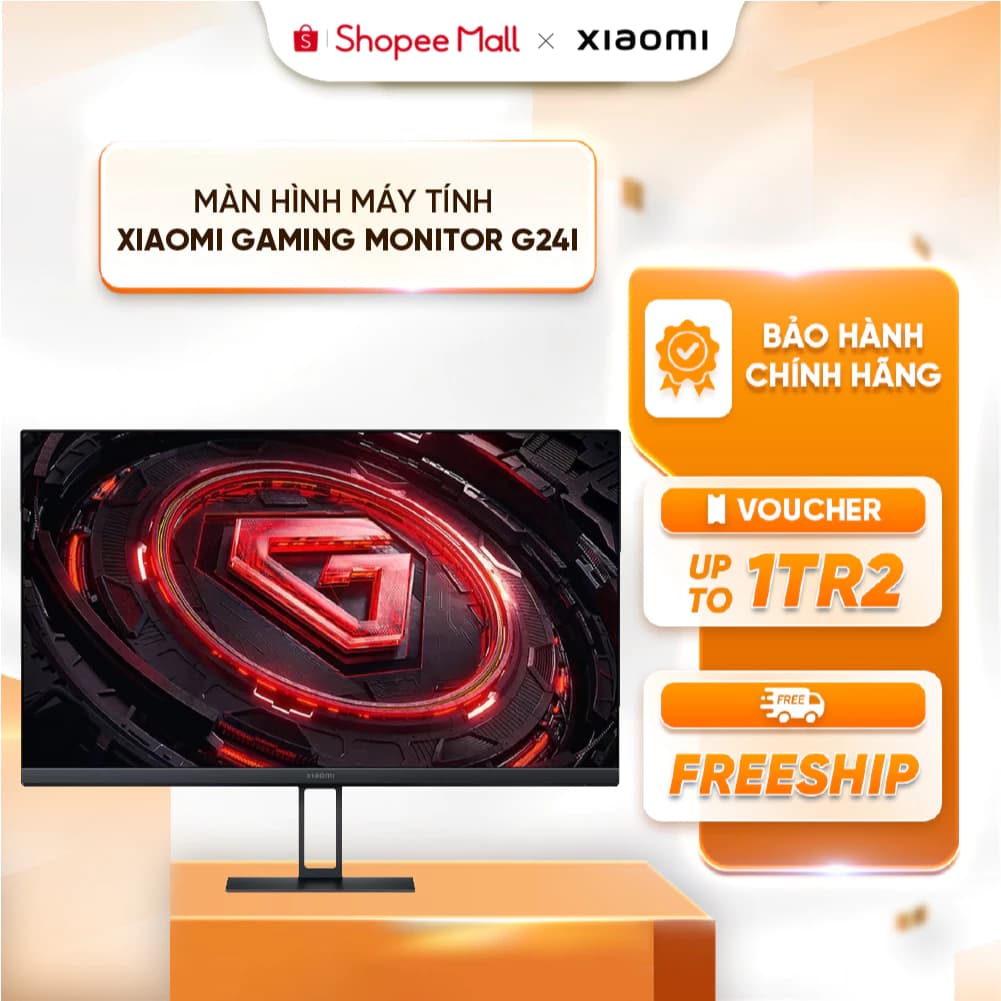
Xiaomi G24i 180Hz: A High-Refresh Gaming Monitor on a Budget
The Xiaomi Gaming Monitor G24i ELA5625EU is a 24-inch gaming monitor that stands out with a 180Hz refresh rate and 1ms response time. It is an attractive choice for FPS and eSports players who want smooth gameplay at a reasonable cost.
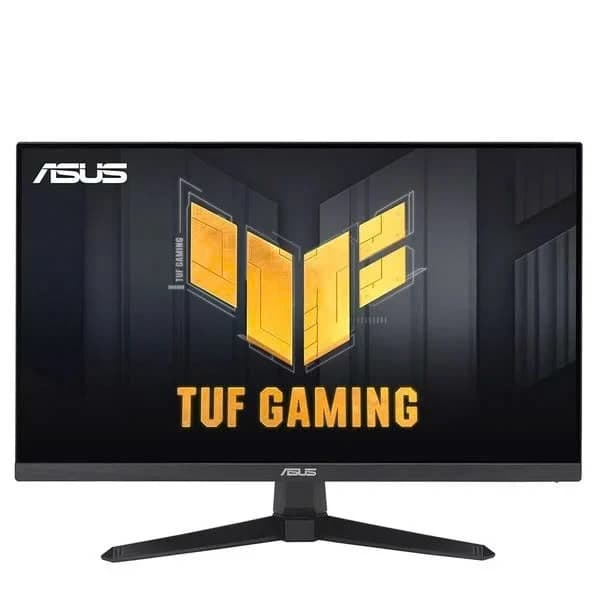
ASUS TUF VG249QE5A: A 146Hz Monitor for FPS Gamers
The Asus TUF Gaming VG249QE5A is a 24-inch gaming monitor with an IPS panel, a 146Hz refresh rate and 125% sRGB color coverage. It is an attractive choice for gamers who want speed and good image quality in the mainstream segment.