
Choosing a Mid-Range Laptop for Office Work and Programming: CPU, RAM, SSD and Display
A mid-range laptop is enough for office work and most programming if you pick the right configuration. This guide explains whether to prioritise RAM, SSD or CPU, and the details that are easy to overlook.
1RAM: 16GB is the level to aim for
For regular office work, 8GB still runs, but it fills up quickly with many browser tabs and chat apps open. For programming (IDE, browser, Docker, virtual machines), 16GB is the minimum you should have so the machine does not slow down when multitasking.
Check whether the RAM is upgradeable: many thin laptops have RAM soldered to the motherboard, so what you buy is what you get.
2SSD: capacity and upgradeability
An NVMe SSD makes the machine boot and open projects quickly. 512GB is a sensible size; if you work with many projects, virtual machines or large datasets, 1TB is more comfortable.
See whether the laptop has a free M.2 slot or a replaceable SSD, so you can upgrade later instead of buying a new machine.
3CPU: U-series or H-series
Low-power CPUs (Intel U-series, AMD U-series) give good battery life and keep the laptop cool and light — enough for office work, web development and typical backend work. High-performance CPUs (H/HX-series) suit compiling large projects, running many containers or editing video, at the cost of a heavier machine and shorter battery life.
The CPU generation often matters more than i5 versus i7: a newer i5 can be faster than an older i7.
4Display and keyboard
Choose an IPS display with at least Full HD resolution and around 300 nits or more if you often work near a window. A TN panel or a dim screen becomes uncomfortable over long sessions.
A keyboard with good key travel and a backlight makes heavy typing less tiring. If you usually work in one place, you can add an external monitor and keyboard.
5Ports, battery and weight
Check that it has the ports you need: USB-A, USB-C (ideally with charging and video output), HDMI and a headphone jack. Missing ports mean buying a hub.
If you travel often, prioritise laptops under 1.6 kg with battery life that lasts a working day. Real-world battery life is usually lower than the manufacturer's figure.
6Operating system and development environment
Windows 11 has WSL for running a Linux environment, which is enough for most web and backend development. If you build iOS/macOS apps, you need a Mac.
For Windows laptops, check for an official warranty in Vietnam and long-term driver updates.
Frequently Asked Questions
Can I program on a laptop with 8GB of RAM?
Yes for small projects, but it gets tight with an IDE, browser and Docker open at once. If you can, choose 16GB or a laptop with upgradeable RAM.
Do I need a dedicated graphics card for programming?
No, unless you work on machine learning, games or 3D graphics. Modern integrated graphics are enough for office work and typical programming.
Is a U-series Core i7 more powerful than an H-series Core i5?
Not necessarily. H-series chips have higher power limits, so they are usually faster under sustained heavy loads; U-series chips are more battery-efficient.
Related Reviews

Xiaomi G24i 180Hz: A High-Refresh Gaming Monitor on a Budget
The Xiaomi Gaming Monitor G24i ELA5625EU is a 24-inch gaming monitor that stands out with a 180Hz refresh rate and 1ms response time. It is an attractive choice for FPS and eSports players who want smooth gameplay at a reasonable cost.
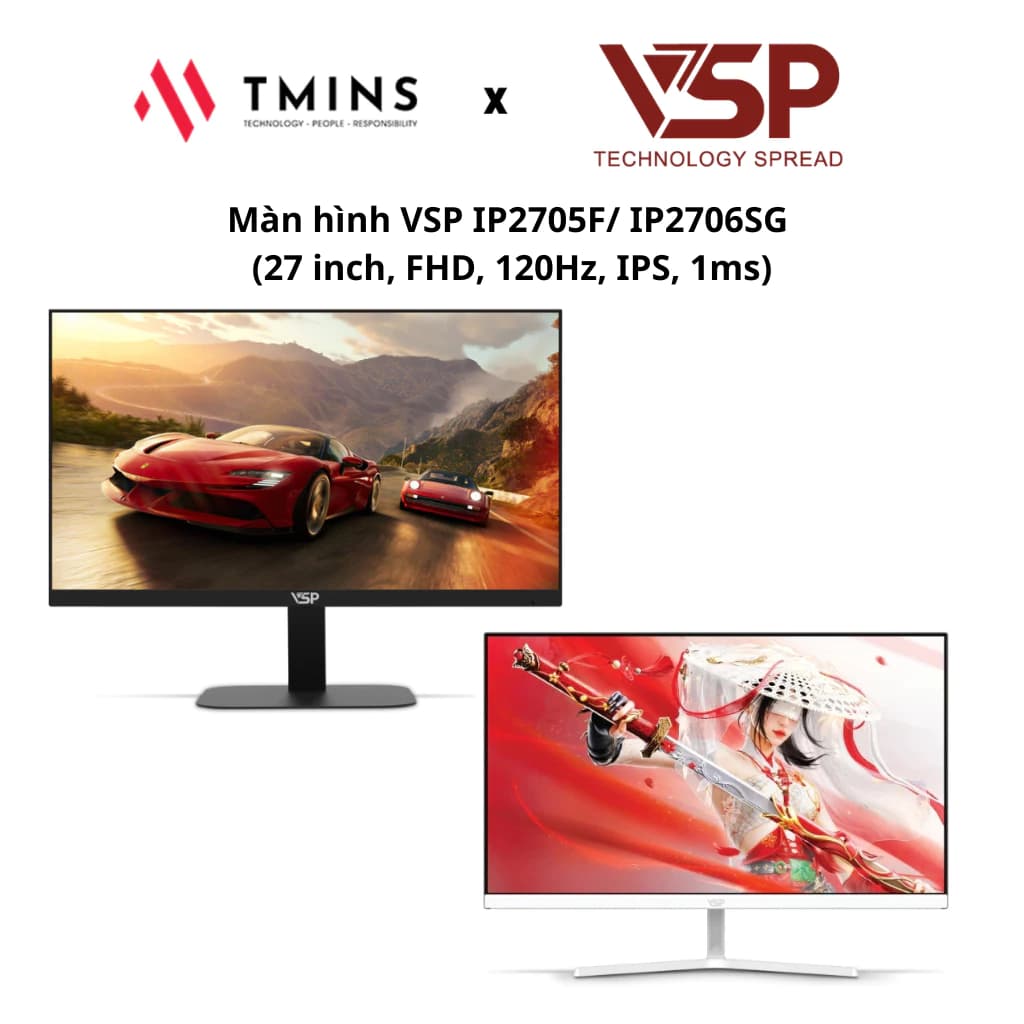
VSP IP2705F 27-Inch: A 120Hz Monitor for Work and Entertainment
The VSP IP2705F/IP2706SG offers a 27-inch IPS panel, a 120Hz refresh rate and a 1ms response time, making it a good fit for both gaming and everyday work.
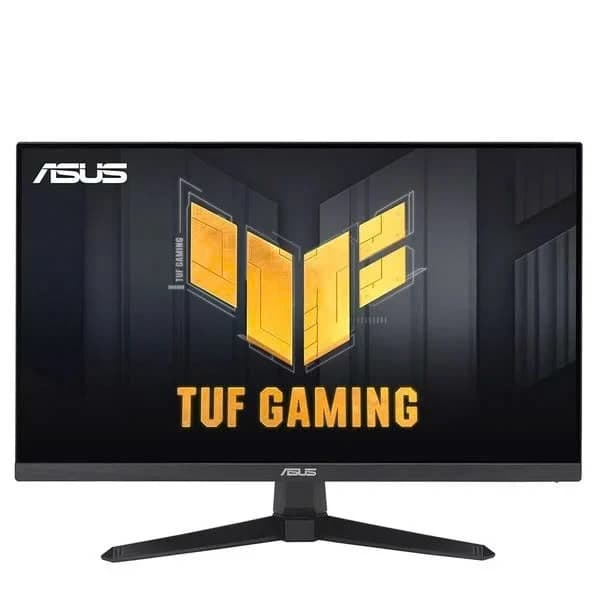
ASUS TUF VG249QE5A: A 146Hz Monitor for FPS Gamers
The Asus TUF Gaming VG249QE5A is a 24-inch gaming monitor with an IPS panel, a 146Hz refresh rate and 125% sRGB color coverage. It is an attractive choice for gamers who want speed and good image quality in the mainstream segment.