
The AULA F75 Pro packs features rarely seen under 2 million VND: a gasket mount, multi-layer sound dampening, tri-mode connectivity, 5-pin hot-swap and a volume knob. Is it really worth it for both gaming and office work?
Specifications
1Overview: why is the AULA F75 Pro so popular?
A few years ago, gasket mounts, multi-layer foam and hot-swap sockets were found only on custom keyboards costing several million VND. The AULA F75 Pro brings almost all of them down to roughly 1.2–1.9 million VND (depending on version and timing), plus tri-mode connectivity and a knob. That is why it keeps showing up on budget mechanical keyboard recommendation lists.
2Design and 75% layout
The F75 Pro uses a 75% layout with 80 keys: no numpad and a tightened navigation cluster, but the full F1–F12 row and arrow keys remain. It is noticeably more compact than a full-size board, leaving more room for your mouse — a real advantage in FPS games that need wide mouse swipes. The top-right knob controls volume, which is much faster than an Fn combination. At around 1kg, the keyboard sits firmly on the desk and doesn't slide when you type hard.
3Gasket mount and typing sound
The F75 Pro's standout feature is its gasket mount: the plate rests on gaskets instead of being screwed rigidly into the case, combined with dampening layers such as foam, IXPE and silicone. The result is a slightly cushioned, comfortable typing feel and a deep, tidy sound that cuts down the hollow rattle common on cheap keyboards. It is the "thocky" sound many mechanical keyboard fans look for.
4Switches, hot-swap and keycaps
Depending on the version, the F75 Pro ships with pre-lubed linear switches such as Reaper, Star Vector or Seiya. Linear switches travel smoothly without a bump, suiting both typing and gaming. The board supports 5-pin hot-swap, so you can pull switches out and try other types without soldering — a cheap and fun upgrade path. The PBT double-shot keycaps have a slightly textured surface and resist shine better than typical ABS keycaps.
5Tri-mode connectivity and battery life
The F75 Pro works over USB-C, 2.4GHz wireless via a receiver, or Bluetooth. For gaming, use wired or 2.4GHz for the lowest latency; Bluetooth is handy for hopping between laptop, tablet and phone. The 4000mAh battery is large for this segment. Real-world battery life depends heavily on the backlight: with RGB always on it drains noticeably faster, while turning the lights off or dimming them can stretch it to many days per charge.
6Good for both gaming and office work
With linear switches, low latency in wired/2.4GHz mode and a compact layout, the F75 Pro handles popular games like Valorant, CS2 and League of Legends well. At the same time, the gasket and dampening keep it quiet enough for the office, unlike clicky blue-switch keyboards. The only thing to weigh is the missing numpad if your work involves a lot of number entry.
7Should you buy the AULA F75 Pro?
If you want to step into "custom" mechanical keyboards on a budget under 2 million VND, the AULA F75 Pro is one of the best-value options today: great sound, flexible connectivity and easy upgrades. It isn't for people who need a numpad or an ultra-light board to carry around, but for most gamers and office users it is hard to fault at this price.
✓Pros
- Gasket mount with multiple dampening layers gives a soft, deep sound — rare at this price.
- Flexible tri-mode connectivity: wired for gaming, 2.4GHz or Bluetooth for work.
- 5-pin hot-swap makes it easy to change switches without soldering.
- Durable PBT double-shot keycaps resist shine and legends never fade.
- Convenient volume knob for movies and music.
- Compact 75% layout still keeps the F-row and arrow keys.
- 4000mAh battery is large for this segment.
✕Cons
- Fairly heavy (about 1kg), not ideal for carrying around daily.
- Keeping RGB on drains the battery noticeably faster than with lights off.
- No numpad — inconvenient for accountants or heavy number entry.
- The customisation software is less polished than Logitech's or Razer's.
- Many switch and color versions exist, so check carefully before ordering.
Frequently Asked Questions
Does the AULA F75 Pro work with a MacBook and iPad?
Yes. It supports Windows, macOS, Android and iOS over Bluetooth or 2.4GHz (on devices with a suitable USB port), and can also be used wired via USB-C.
Can I change the switches on the AULA F75 Pro?
Yes. It supports hot-swap with both 3-pin and 5-pin switches; you only need a switch puller, no soldering.
How long does the AULA F75 Pro battery last?
It has a 4000mAh battery, and runtime depends heavily on the RGB lighting. With lights always on you'll charge more often; with lights off it can last many days per charge.
Is the AULA F75 Pro loud? Can I use it in an office?
With linear switches and a gasket structure with multiple dampening layers, typing is fairly soft and deep, making it far more office-friendly than blue-switch keyboards.
What's the difference between the AULA F75 and F75 Pro?
Both share the 75% layout, gasket mount and tri-mode connectivity. The Pro adds a knob and some different switch/color options; check the exact version name on the listing before ordering.
Verdict
A 75% mechanical keyboard with a gasket mount, tri-mode connectivity, hot-swap and a knob for under 2 million VND — one of the best-value picks in its segment.
Highly recommended for gamers and office users who want a custom-keyboard experience on a reasonable budget; skip it if you need a numpad.Compare Products
How it stacks up against other Gaming Gear we have reviewed, scored on the same criteria.
| Product | Score | Design | Performance | Durability & warranty | Value | |
|---|---|---|---|---|---|---|
AULA F75 Pro: What's Good About This Tri-Mode Gasket-Mount Keyboard?This product | 8.9 | 9 | 8.8 | 8.5 | 9.5 | |
| 8.2 | 8.2 | 7.9 | 8.3 | 8.8 | ||
| 9 | 8.8 | 9.2 | 8.3 | 9.7 | ||
| 9.1 | 9 | 9.3 | 8.8 | 9.5 |
Comments
More in Gaming Gear
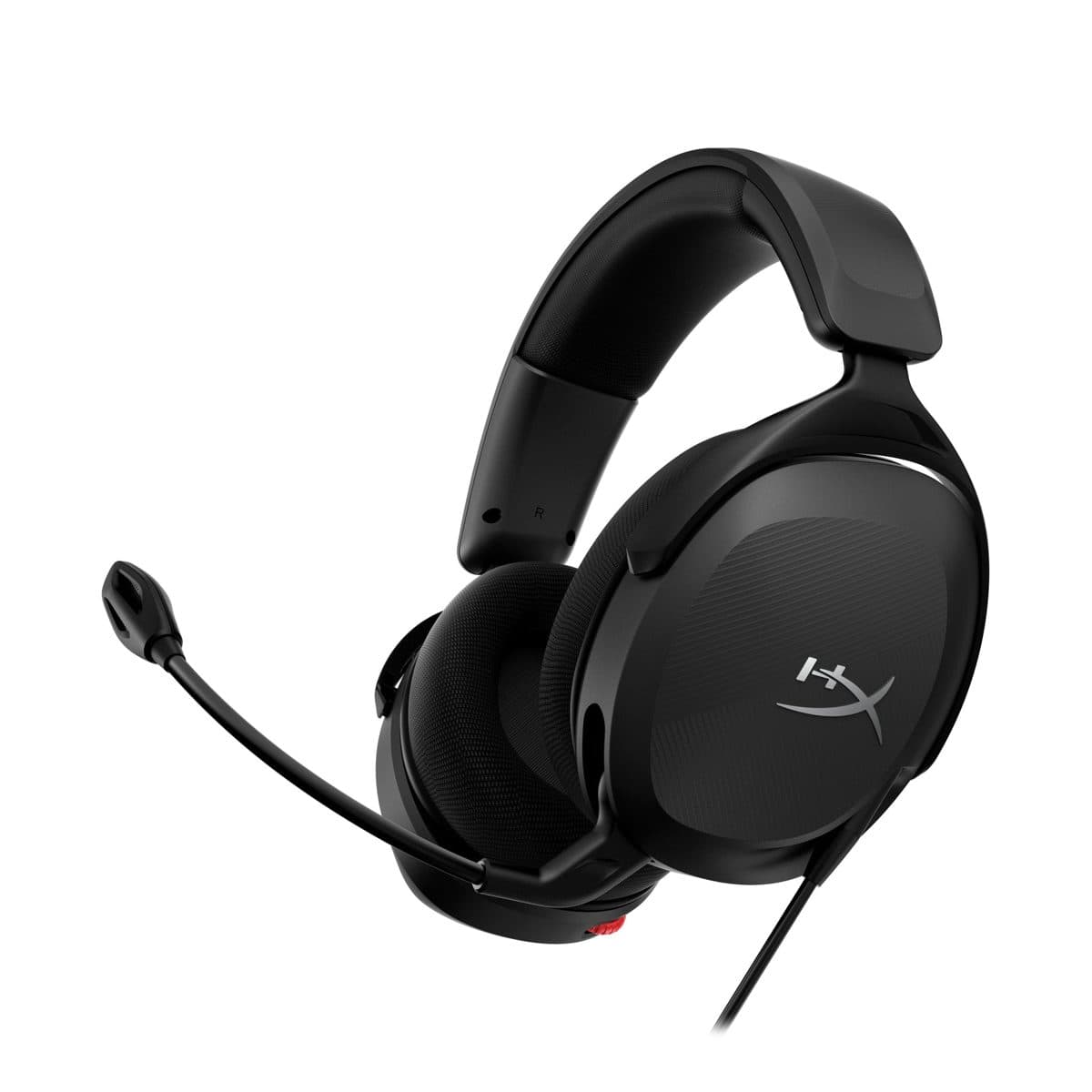
HyperX Cloud Stinger 2 Core: A Gaming Headset for Long Ranked Sessions
The HyperX Cloud Stinger 2 Core (683L9AA) is HyperX's budget wired gaming headset: 40 mm drivers, about 272 g, a swivel-to-mute mic, on-ear volume control and a 2-year warranty. At around 750K VND, is it worth it for new gamers?
VXE R1 SE: An Ultralight Wireless Gaming Mouse for FPS Games
The VXE R1 SE and R1 SE+ are the budget wireless mice everyone is talking about: a PAW3395 SE sensor, only about 51–55g, and tri-mode connectivity. Which version should you pick, and are they worth the money?

Logitech G102 Gen 2: Why Is This Gaming Mouse Still So Popular?
The Logitech G102 Gen 2 Lightsync is one of the most popular gaming mice around thanks to its accurate sensor, comfortable design, attractive RGB lighting and a price almost any gamer can afford.