
Mice for Programmers and Office Workers: Choose by Your Hand, Not the Ads
If you work at a computer all day, you grab your mouse thousands of times. This guide shows how to choose a mouse by hand size, grip style, connection and the extra buttons that boost productivity.
1Choose by hand size and grip style
Measure your hand from the wrist to the tip of your middle finger. Hands under about 17 cm usually suit small mice, 17–19 cm suit medium mice, and over 19 cm suit large mice. Manufacturers usually list mouse dimensions so you can compare.
Grip style matters too: a palm grip suits large mice with a high back; claw or fingertip grips suit small, light mice. A mouse that fits your hand keeps your wrist relaxed and reduces fatigue over long sessions.
2Wired or wireless
Wired mice are cheap, never need charging and have no latency worries. Wireless mice keep your desk tidier; 2.4GHz via a USB receiver is more stable than Bluetooth, while Bluetooth is handy for laptops with few ports or for switching between several devices.
For the office, wireless mice with AA or rechargeable batteries are both fine; look at battery life and whether it charges over USB-C.
3Extra buttons and scroll wheels that speed up work
The two side buttons (back/forward) are very useful for browsing documents, switching tabs or mapping shortcuts like copy/paste. Manufacturer software usually lets you assign different commands per application.
A free-spinning scroll wheel helps you fly through long code files or large spreadsheets. A horizontal scroll wheel is useful for spreadsheets or video editing timelines.
4How much DPI is enough
For office work and programming, 800–1600 DPI is enough for Full HD and QHD screens. Very high DPI figures (8000, 16000) are mostly a marketing spec for gaming mice; what matters is a stable sensor that does not jump.
Budget gaming mice are still a good choice for the office thanks to good sensors and programmable buttons, as long as the shape fits your hand.
5If your wrist gets tired or sore
If your wrist often gets tired, a vertical mouse keeps your hand in a natural handshake position and reduces forearm twisting. It takes a few days to get used to.
Combine it with a mouse pad with wrist support, keep the mouse close to the keyboard and take regular breaks. If the pain persists, see a doctor rather than just changing mice.
6Quiet-click mice for the office
If you work in a quiet room, choose a mouse with silent-click switches. The clicks are much quieter than on a regular mouse, so your neighbours will appreciate it.
Frequently Asked Questions
Can a gaming mouse be used for work?
Yes, and it is often very good thanks to an accurate sensor and programmable extra buttons. Just choose a model that fits your hand; the RGB can be turned off if you do not like it.
Is a heavy or light mouse better?
It is personal preference. Light mice (under 80 g) are easy to move quickly; heavier mice feel more planted for precise work.
Do I need a mouse pad?
Yes, it is a good idea. A mouse pad keeps the sensor tracking reliably, lets the mouse glide evenly and protects your desk.
Related Reviews
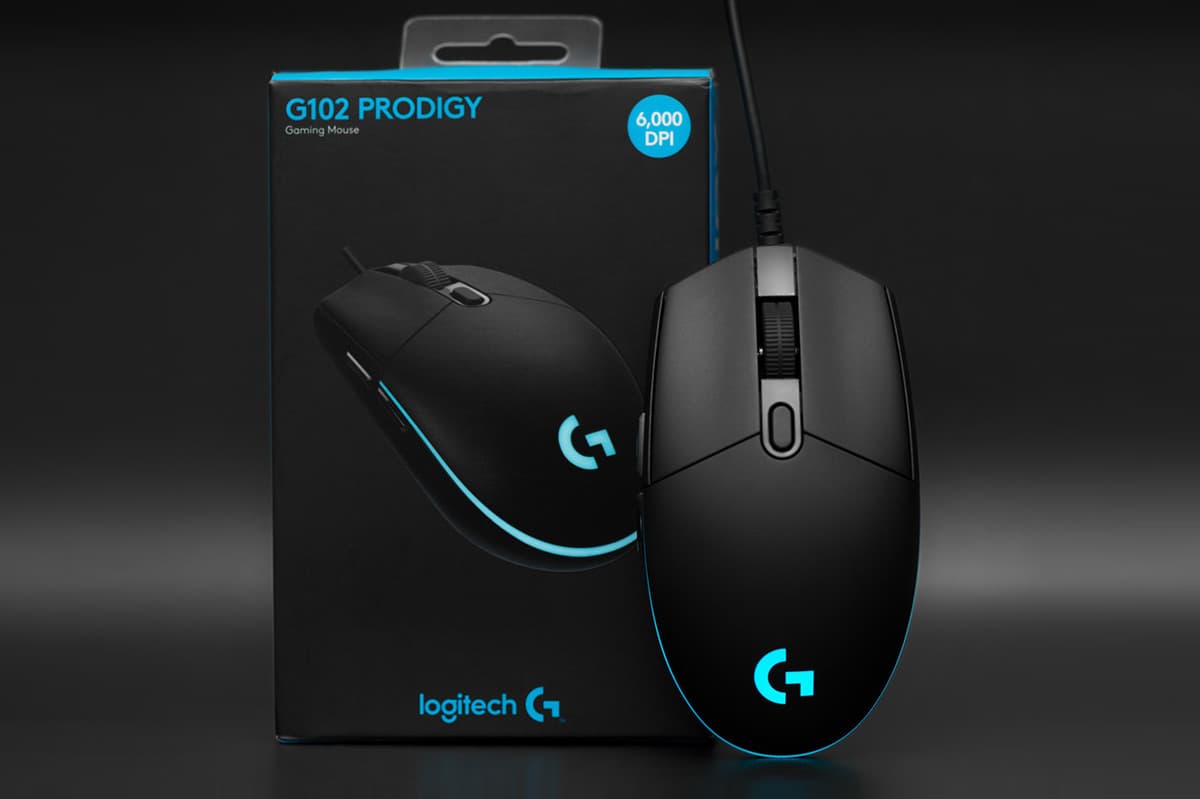
Logitech G102 Gen 2: Why Is This Gaming Mouse Still So Popular?
The Logitech G102 Gen 2 Lightsync is one of the most popular gaming mice around thanks to its accurate sensor, comfortable design, attractive RGB lighting and a price almost any gamer can afford.